When Mint shut down in March 2024, we tried every replacement people recommended.
YNAB. Rocket Money. Copilot. Monarch. They each have their fans, and they each work the same way Mint did: link your bank account, let the app pull your transactions, watch a dashboard fill in.
We noticed something halfway through the tests. Every single one of them was asking for the same thing first. Our checking account login. Our savings account login. Our credit card logins. The setup process was identical even though the apps positioned themselves as different.
We weren't comfortable handing all of that over to a third party. Especially not to the same intermediary (Plaid) that links most of them to our bank. So we went looking for an alternative that didn't require it.
This post is for the people doing the same search.
Why bank-linked apps all share the same architecture
Mint's model was: connect to a bank via a token broker (Plaid is the most common one), pull transaction history, categorize each transaction by merchant code, present a dashboard.
Every Mint alternative recommended on Reddit, Forbes, NerdWallet, or wherever else uses some version of the same architecture. The reason is simple. Bank-feed data is structured, available via API, and arrives without the user doing anything. It's the easiest way to build a budgeting app.
But two things come with that convenience.
One: someone has to see your bank. Plaid or its equivalents are sitting between you and the budgeting app, with read-only access to your transactions. Their privacy policies vary. Some sell anonymized data to third parties (yes, even in 2026). Some don't. You can read the policies, but few people do.
Two: bank data tells you the merchant and the total, and that's it. When you spend $87 at Target, the app sees one transaction. It does not see that $32 of it was paper towels, $14 was a birthday card, and $41 was food. The "Groceries" category in your budgeting app is a guess based on the merchant code, not a measurement of what you actually bought. We wrote about that limitation in detail here.
If those two tradeoffs feel acceptable, the bank-feed apps work fine. Mint had millions of happy users.
If they don't, here's what else exists.
What "no bank linking" actually means
Before the specific apps, the category divides into a few approaches.
- Receipt-based. You take a photo of each receipt. AI extracts the line items. The app builds a picture of your spending from your actual purchases, never touching your bank account.
- Manual entry. You type each transaction into the app yourself. Slower than bank-linking but you control exactly what's logged.
- Envelope method. You pre-allocate money to categories at the start of each month. As you spend, you mark which envelope it came from. Originally a physical system with envelopes of cash. Now digital.
- Spreadsheet. You set up your own categories. You enter transactions yourself. You write your own formulas. Maximum control, maximum effort.
Each approach has different tradeoffs. None requires a bank login.
Five apps and methods that don't need your bank account
1. BiteSpend (receipt scanning, AI-powered)
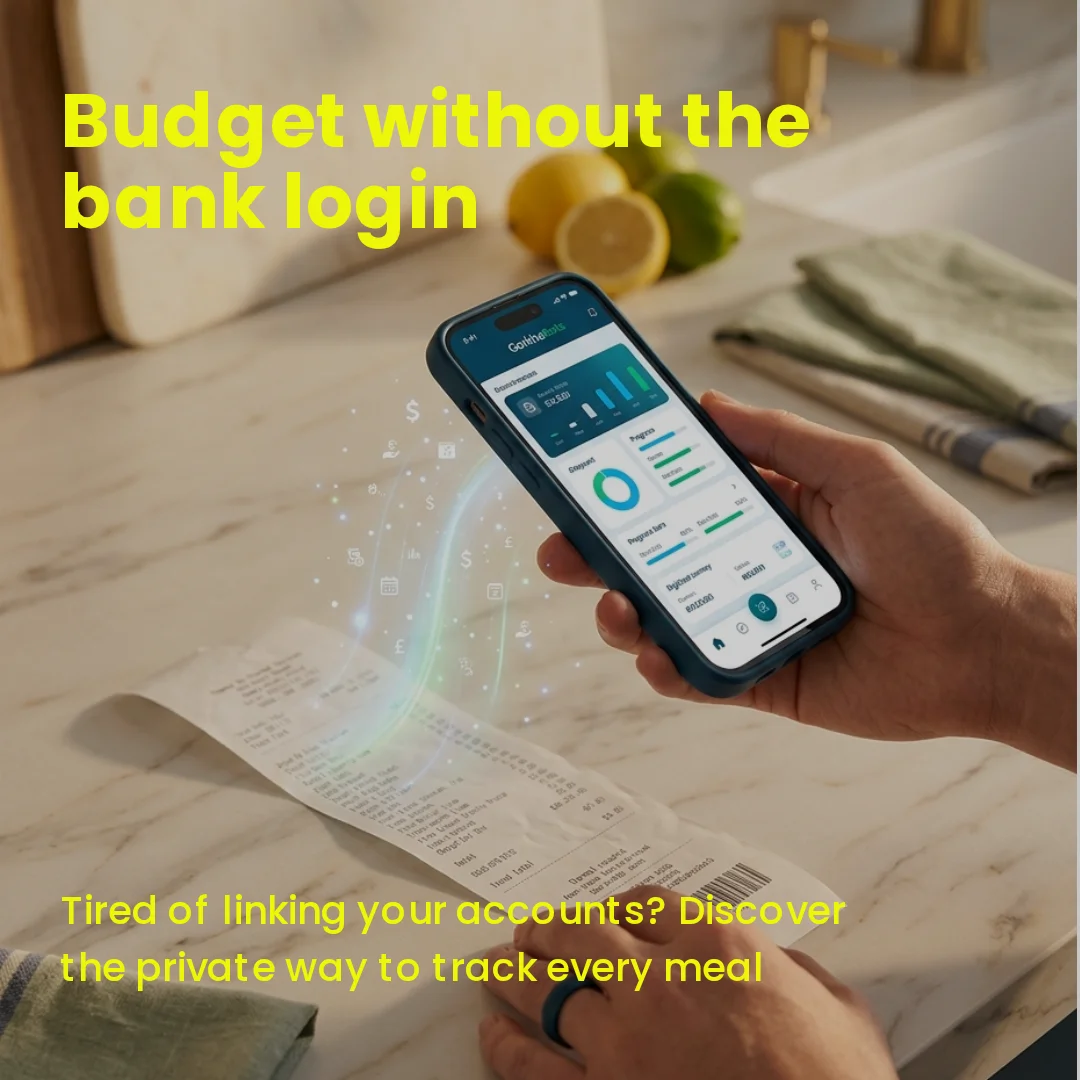
What it does: You photograph any grocery or restaurant receipt. The app reads every line item in about five seconds. Over time it builds a price map across the stores you shop at, so you can see which one is quietly charging you more for the things you actually buy.
Best for: Households that want food-spending visibility without manual entry. Anyone doing two or more grocery stores per week. People who are tired of "Groceries: $847" being a vague number on their bank app.
The bank-link angle: Does not ask for a bank account. Does not use Plaid. Does not talk to your financial institution. The data lives on your phone and in your BiteSpend account.
What it doesn't do: Track non-food spending. If you want to budget rent, gym memberships, or Netflix subscriptions, BiteSpend cannot help with that. It is specialized for food.
Cost: Free to start with 15 receipt scans per month and 3 months of history. Pro is $4.99/mo or $39/year for unlimited scans, 12 months of history, and personal food inflation tracking.
Disclosure: We built this one. It is the reason we noticed the no-bank-link gap in the first place. We were looking for the tool we wanted to use ourselves and could not find it. Available on iPhone and Android.
2. Goodbudget (envelope method)
What it does: A digital envelope budgeting system. You allocate money to categories at the start of each month, and as you spend, you mark which envelope the money came from.
Best for: Households doing zero-based budgeting. Anyone who wants a strict month-to-month spending plan and the discipline of deciding in advance.
The bank-link angle: You can use it without linking anything. All entries are manual. There is an optional sync feature on the paid tier, but it is optional.
Cost: Free tier with 20 envelopes. Plus version is $10/mo for unlimited envelopes and households.
3. EveryDollar (free tier)
What it does: Dave Ramsey's budgeting app. Zero-based budgeting framework where every dollar gets a job at the start of each month.
Best for: People following Ramsey's debt-snowball or financial-peace methodology. Anyone who likes a strong opinionated framework over flexibility.
The bank-link angle: The free tier requires manual entry of every transaction. The premium tier adds bank linking, but the free tier is what you want if your goal is to skip the bank entirely.
Cost: Free tier with manual entry. Premium is $17.99/mo (which defeats the purpose for this list).
4. Spendee (manual mode)
What it does: A clean modern budget tracker with optional bank linking. In manual mode, you log each transaction yourself in a simple interface.
Best for: People who want a modern app feel without committing to bank linking. Also good for couples who want shared wallets.
The bank-link angle: Bank linking is offered but optional. Manual mode works fully and is the free experience.
Cost: Spendee Basic is free (1 cash wallet, 1 budget). Spendee Plus is $1.99/mo for unlimited wallets, unlimited budgets, and shared wallets. Both work without bank linking. Spendee Premium ($5.99/mo) adds bank sync, which defeats the purpose for this list.
5. A spreadsheet (DIY)
What it does: You set up your own categories. You enter your own transactions. You write your own formulas.
Best for: People who like control and do not mind effort. Personal-finance hobbyists. Anyone who has tried apps and found them too constraining.
The bank-link angle: None required. Your spreadsheet talks to no one but you.
Cost: Free (Google Sheets or Excel).
The honest tradeoff: Spreadsheets demand a kind of discipline that apps do not. Most people start a tracking spreadsheet, log faithfully for two weeks, then drift. Apps with low-friction entry, or in BiteSpend's case no entry at all, have much higher adherence over time. But for the disciplined minority, a spreadsheet remains the most flexible and most private option in the entire category.
What to actually pick
If you are tracking food spending specifically and want the line-item view, use BiteSpend.
If you want zero-based monthly budgeting across all your spending, use Goodbudget or EveryDollar's free tier, depending on whether you prefer the envelope framework or the Ramsey framework.
If you are comfortable with manual entry and want maximum control, use a spreadsheet.
If you want one clean modern app for general spending with the option to add bank-linking later, use Spendee.
The tradeoff is real. Less automation. More privacy. If the tradeoff is worth it for you, those are the five options worth knowing about.
A note on what came after Mint
Mint's shutdown felt like a category collapse, but in retrospect it was a category clarification.
The apps that absorbed most of Mint's users (Rocket Money, Monarch, Copilot, YNAB) all share Mint's architecture and Mint's privacy assumptions. They are not alternatives to the model. They are continuations of it.
The actual alternatives to that model are the ones above. They are smaller. Less polished. Less venture-backed. They each solve part of the problem rather than all of it. But they do not ask for your bank account, which is what some of us were looking for in the first place.
For more on the broader food-spending visibility problem, see this post on why food is your biggest variable spend.
Track food spending without a bank login.
BiteSpend is live on the App Store and Google Play. Free to start, no bank account required.
Download on the App Store Get it on Google Play