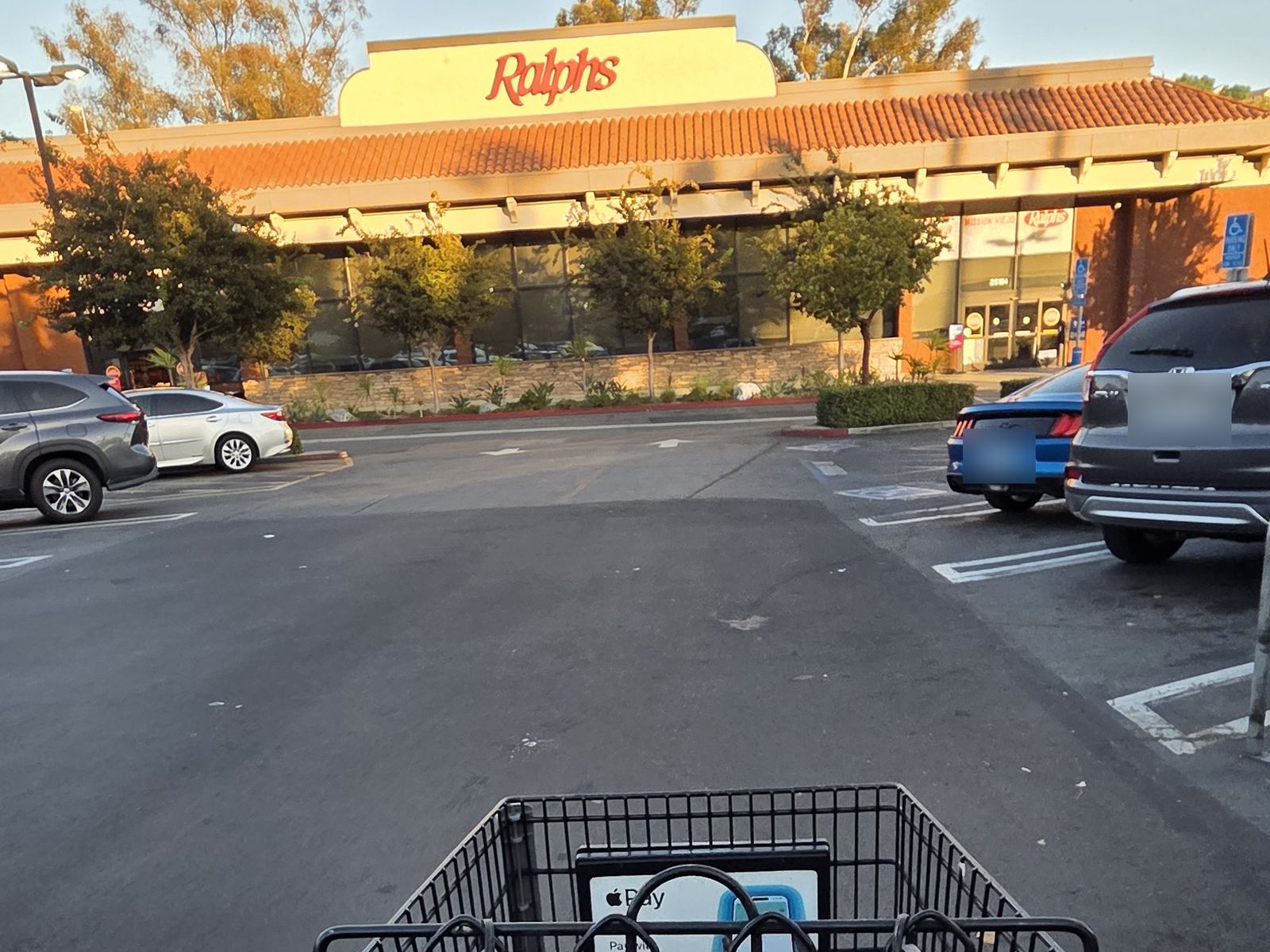
Everyone has a cheap store. The one you'd drive a little further for, the one you're sure is better for produce, the one you only go to for "the big trip." Almost nobody has actually checked.
National numbers won't settle it for you. The latest Consumer Price Index, for September, put food at home up just 1.8% from a year ago, the calmest grocery reading this year, even as headline inflation rose to 3.7%. That's useful context, but it can't tell you whether your Tuesday store is cheaper than your Saturday store. It doesn't know which stores you shop at. And as it turns out, the gap between two stores on the same item can be far bigger than a whole year of grocery inflation.
The 79% that wasn't
Here's a real example from my own receipts, and it starts with a mistake our own app made.
This week I asked BiteSpend where I could save money on groceries. It told me green cabbage averaged $0.39 at Mission Ranch Market and $1.87 at Ralphs: 79% cheaper. That's a great headline. It was also wrong.
My Ralphs cabbage lines were in mixed units. Some were priced per pound, some by the head. Averaging them together produced $1.87, a number that isn't the price of anything. Compared properly, per pound against per pound, Ralphs was $0.99 a pound. The real gap is $0.60 a pound, or 61%. Still a big difference, just not the one we first showed.
One shopper's receipts, not a survey of either store. Your prices will differ by location and week.
We fixed it. Every comparison in the app now lines up like units before it says anything. But the mistake is worth keeping, because it's the exact mistake most people make when they compare stores in their heads.
Rule one: compare per unit, not per price tag
A $3.49 bag and a $4.29 bag are not comparable until you know what's in them. Produce gets sold per pound at one store and per item at the next. Packages quietly shrink. The only fair comparison is dollars per pound, per ounce, or per count.
The good news is the number is usually already printed for you. Most shelf tags carry a small unit price line ("$0.21 per oz"), and receipts for weighed produce show the weight and the per-pound price. That small print is the number to compare, not the big one.
Rule two: rank by dollars, not by percent
Percentages flatter cheap items. A 61% gap on cabbage sounds dramatic, but cabbage is cheap. What matters is how much the gap actually cost you, which is the difference per unit multiplied by how much you bought.
Ranked that way, here are my three biggest cross-store gaps so far, across the receipts I've scanned:
- Green cabbage: about $3.03 more than I'd have paid at the cheaper store
- Red potatoes: about $0.86
- Red onions: about $0.67
That's not life-changing money, and I'd rather say so than pretend otherwise. The point isn't the total. It's knowing which few items are worth buying where, so the next trip is a little smarter without any extra effort. And stores aren't only about price. I go to Mission Ranch for things Ralphs doesn't carry. The goal is to know the trade you're making, not to drive across town for an onion.
BiteSpend reads every line on your grocery receipts and lines up the same item across the stores you actually shop, per unit. Comparing stores is free on iOS and Android.
Rule three: watch five staples, not the whole cart
You don't need to compare every item. Most of what you spend goes to the same handful of things every week: milk, eggs, bread, a protein, a couple of vegetables. Store choice compounds on those, because you buy them over and over.
You can do this with no app at all:
- Keep your receipts for a month, from every store you go to.
- Pick five items you buy at least every other week.
- For each one, write down the store and the price per unit (per pound, per ounce, or per dozen).
- After a month, the cheaper store for each item is usually obvious. Often it's a different store for different items.
It takes about ten minutes a week, which is exactly why almost nobody keeps it up. That's the part we built BiteSpend to do for you.
"Isn't this just why I go to Costco?"
Fair question, and for plenty of things, yes. Buying in bulk is often cheaper per unit. But three things get in the way of "just buy it all at Costco."
- Per unit only counts what you use. A big bag of spinach is a great price per pound until half of it goes bad. Then you paid double for the half you ate.
- Bulk isn't cheaper on everything. Some items cost about the same per unit as at a regular grocery store, and some can cost more. There's no way to know which without comparing.
- Nobody buys everything there. Most households still make weekly trips for produce, milk, and whatever ran out. My cabbage gap wasn't Costco against anyone. It was two ordinary stores on ordinary weekday trips, and those trips add up.
So the real question isn't "is Costco cheaper?" It's "which of the things I buy are cheaper there, and which aren't?" Only your own receipts can answer that, and the answer is different for every household.
What's new in BiteSpend
Our latest update, now live on iPhone and Android, is built around this one question.
- Search everything you've bought. Type a few letters and every item you've ever scanned comes up.
- See what you paid at every store. Tap an item to see your price at each store, per unit, with a link back to the receipt it came from.
- Or just ask. Ask BiteSpend AI something like "where should I buy yogurt this week?" and it answers from your own receipts.
Two rules sit underneath all of it. Comparisons only use your own receipts, never prices from other people's. And they only compare like with like, so a per-pound price doesn't get measured against a per-item one.
Search and store comparisons are free. Ask BiteSpend AI is part of BiteSpend Pro.
If you want the broader version of this argument, why the national grocery number rarely matches your own cart, we wrote about it in The grocery inflation number you see on the news doesn't apply to your cart.
Disclosure: we build BiteSpend, the receipt-tracking app referenced in this post. The store prices above come from my own scanned receipts. The CPI figures were pulled directly from the public BLS API.
Find out where your groceries cost less.
Scan your receipts and BiteSpend lines up the same items across the stores you actually shop. Free to start, no bank linking.
Download on the App Store Get it on Google PlaySources. U.S. Bureau of Labor Statistics, Consumer Price Index for September 2026, series CUUR0000SAF11 (food at home) and CUUR0000SA0 (all items), unadjusted 12-month change, pulled via the public BLS Data API on October 30, 2026. Store prices are from the author's own receipts scanned in BiteSpend and are not a survey of any store. This post describes household budgeting. It is not financial advice.